By platform
Discord Profile Picture Ideas
Anime, gaming and meme PFPs that pop in a dark sidebar.
-
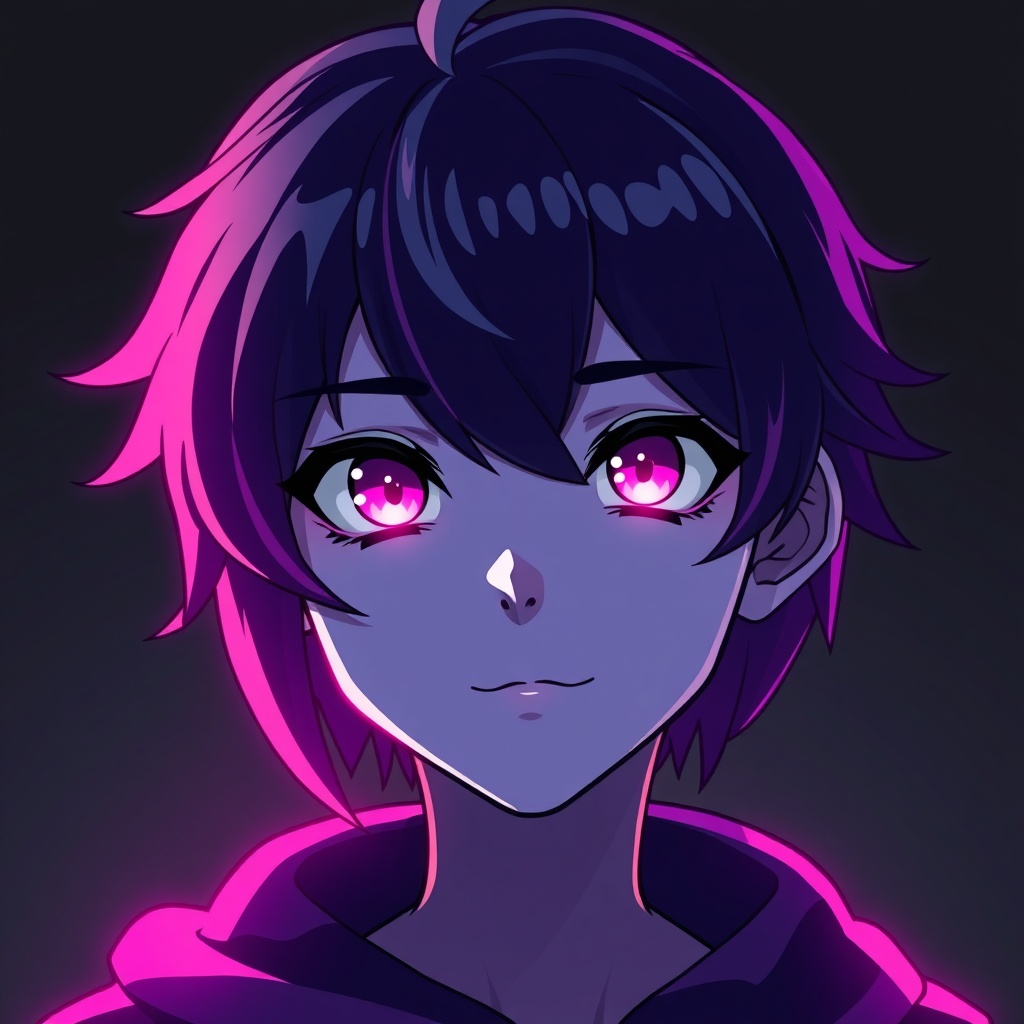 01
01High-contrast anime crop
A tight crop on a character's face with bright hair or eyes. Reads instantly against Discord's dark grey.
-
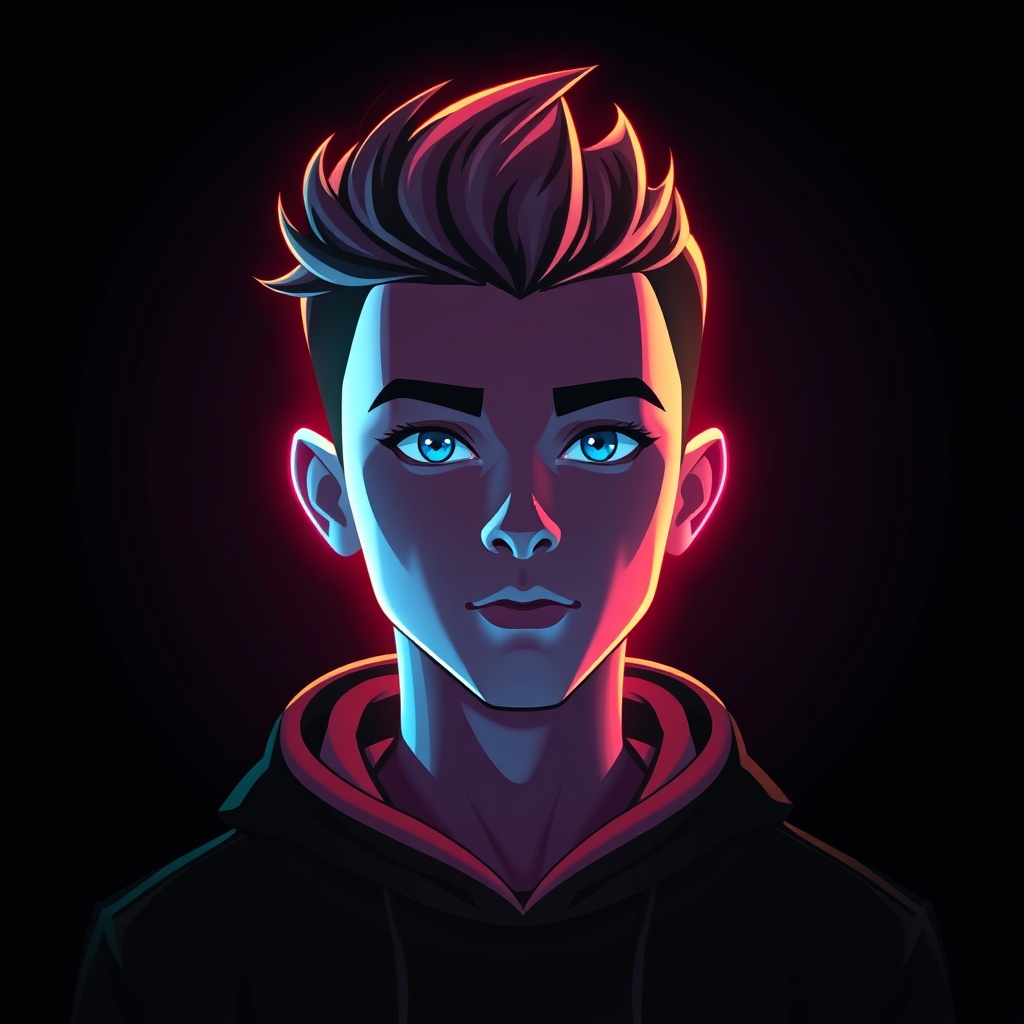 02
02Glowing / neon subject
Anything that emits light — neon, lofi glow, RGB — pops hard in a dark sidebar.
-
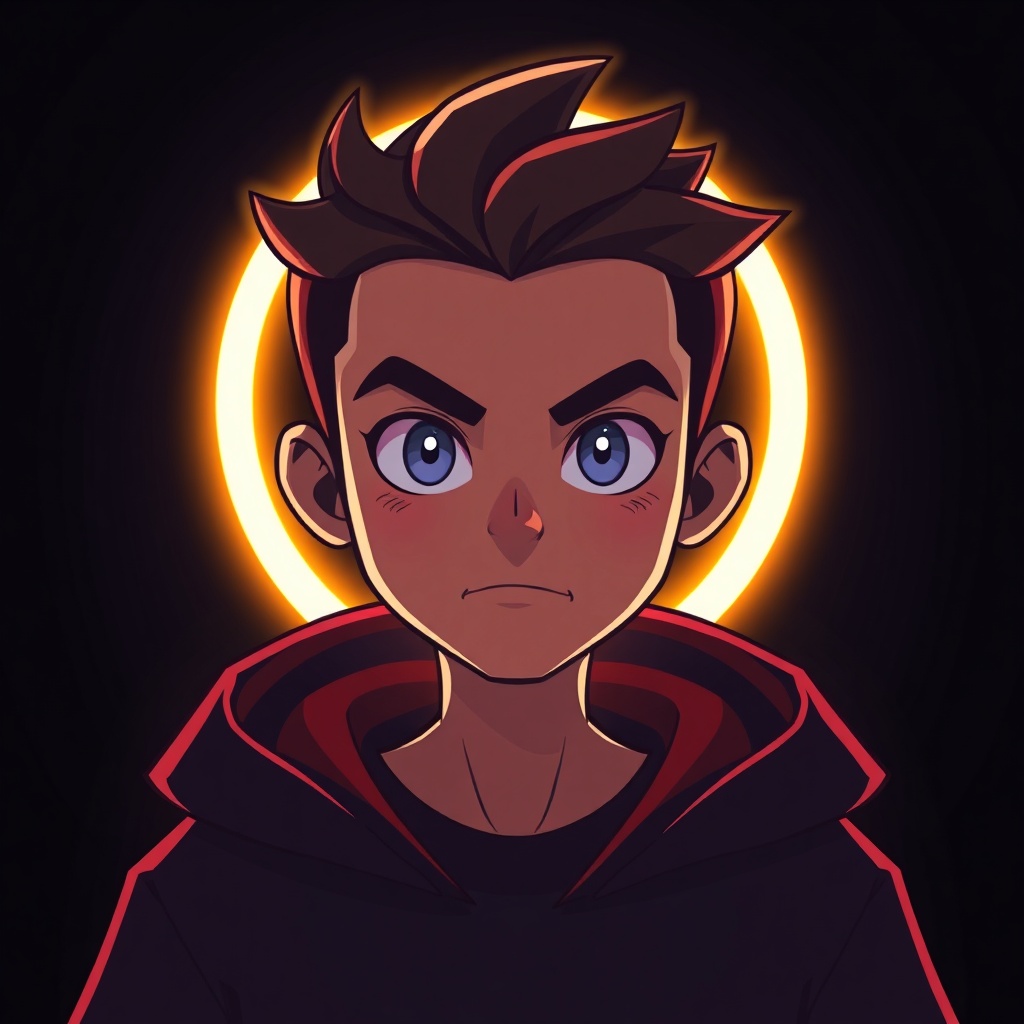 03
03Matching PFPs with friends
Split one image across your friend group, or pick a set from the same show. Server-flex classic.
-
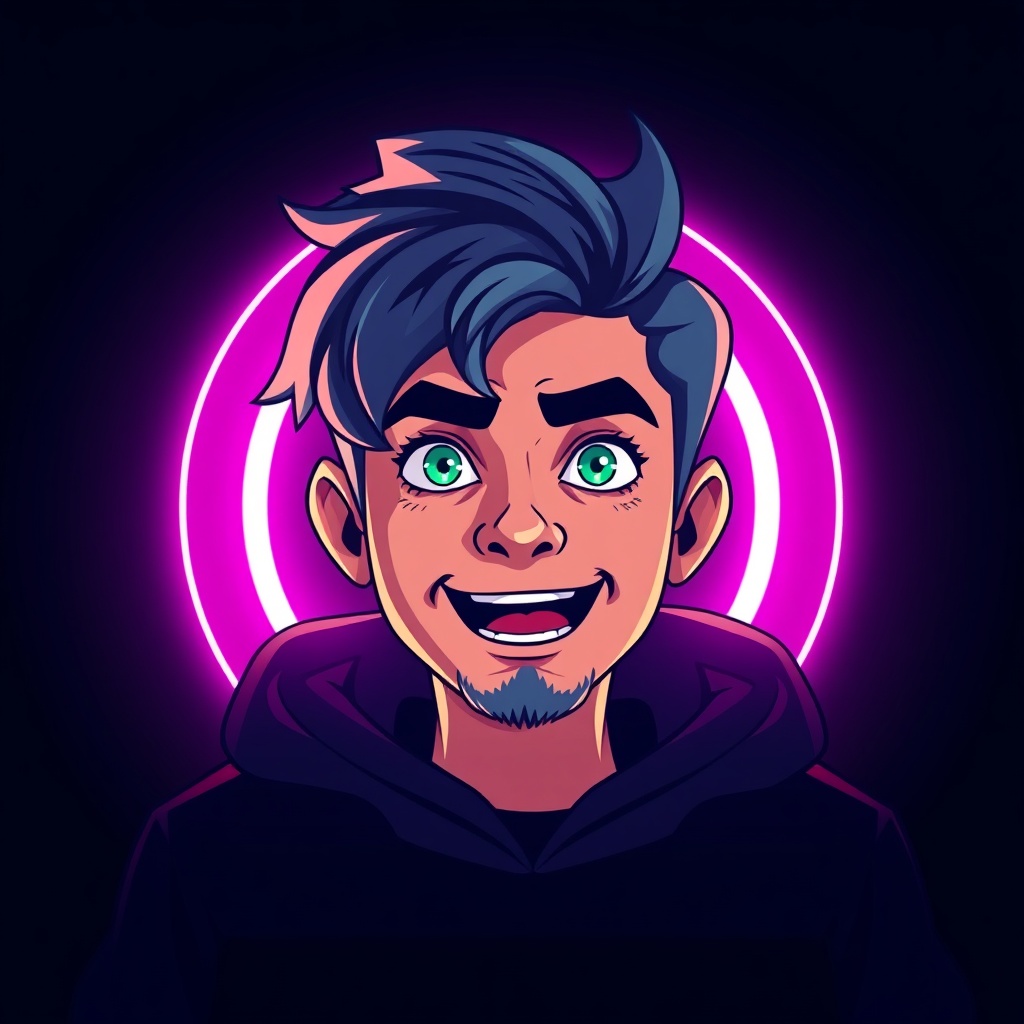 04
04Meme freeze-frame
A perfectly-timed reaction frame. Personality in a 128px circle.
-
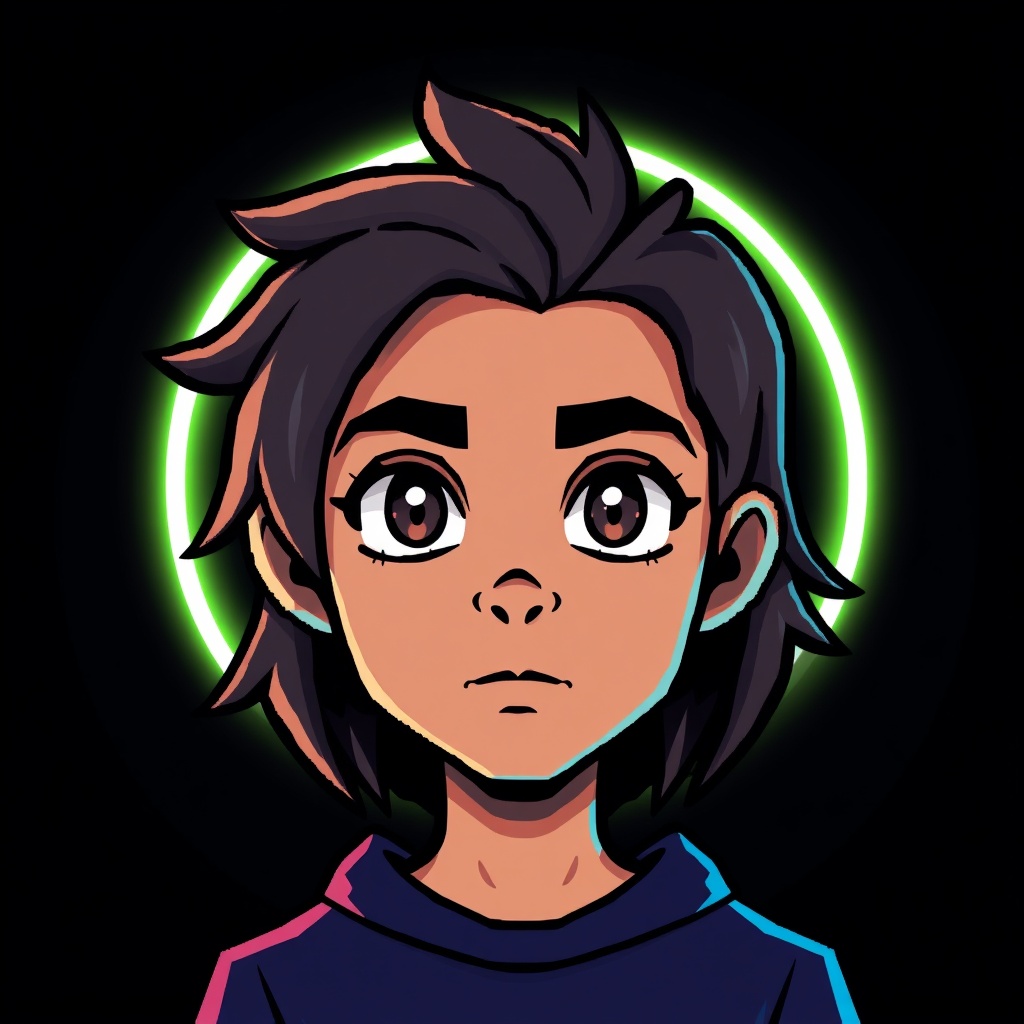 05
05Pixel / retro sprite
A clean pixel-art avatar stays crisp when everything else blurs at small sizes.
-
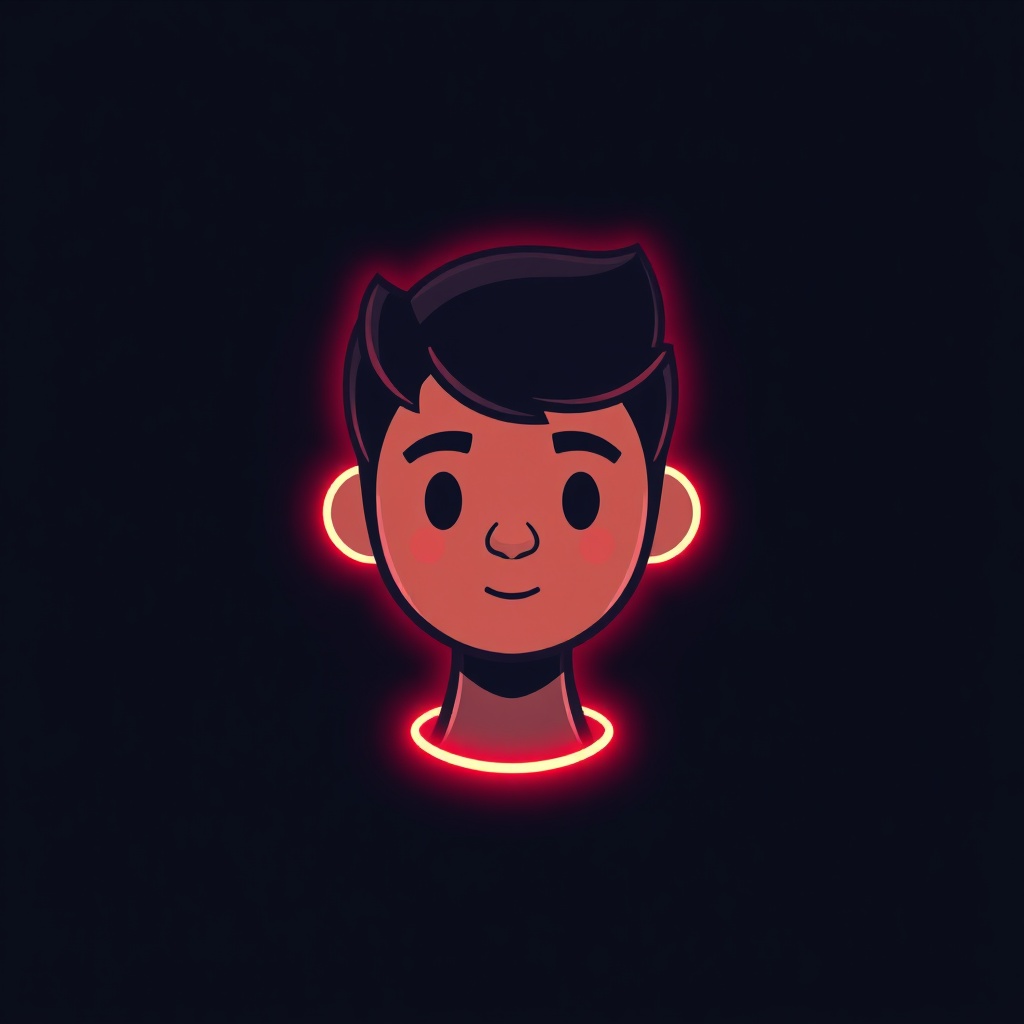 06
06Minimal icon on solid colour
One simple symbol on a bold flat background. Calm, clean, unmistakably yours.
-
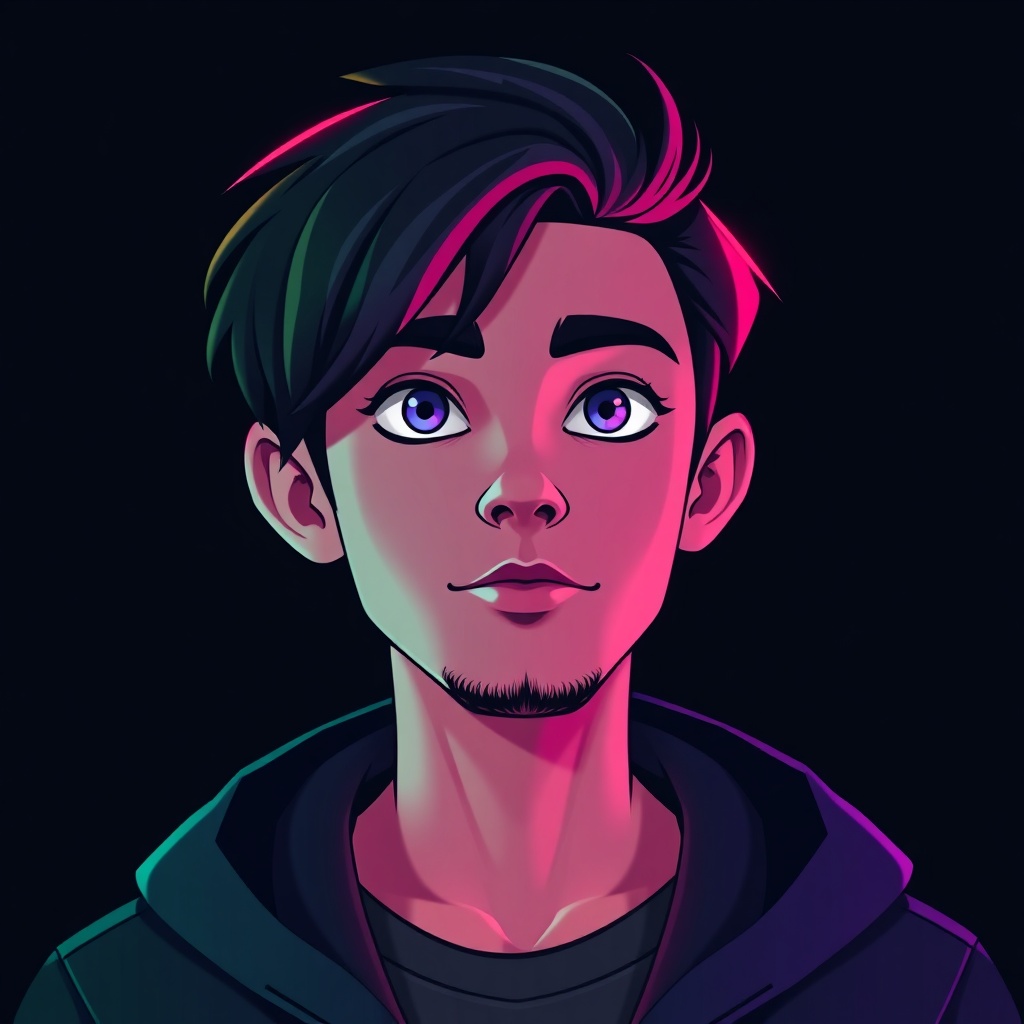 07
07Animated GIF (Nitro)
With Nitro, a subtle looping GIF — a slow zoom or gentle glow — beats anything frantic.
-
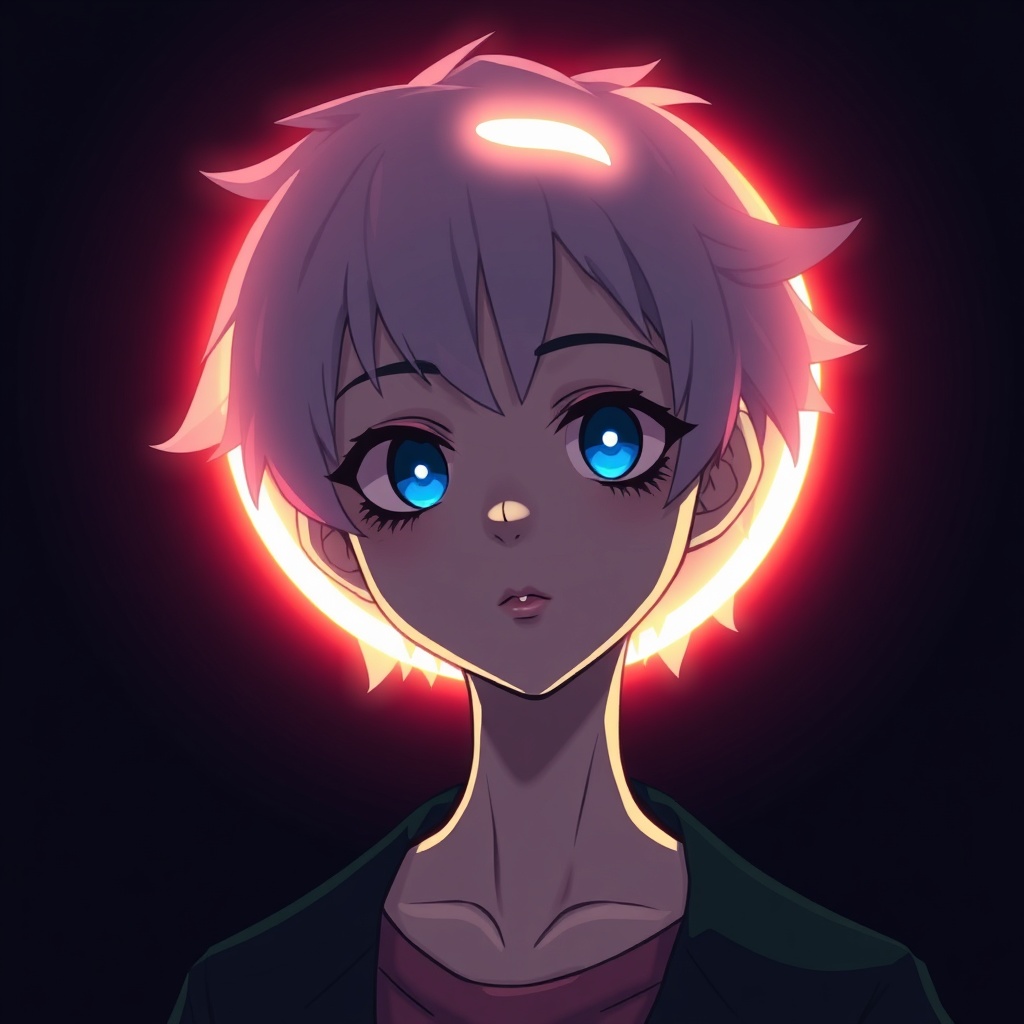 08
08AI original character
Generate a one-of-a-kind anime or stylised avatar nobody else has.
Make it with ImagineArt →
Discord is a dark room. That single fact should drive your whole choice — a profile picture that looks great on a white Instagram feed can vanish completely against Discord’s charcoal sidebar. The winners here glow, contrast, or pop.
Design for the dark
The sidebar and member list are dark grey. That means:
- Bright or glowing subjects win. Neon, lofi glow, bright anime hair, RGB — anything luminous jumps out.
- Dark-on-dark disappears. A moody black-and-grey image blends into the UI and reads as empty.
- One subject, tight crop. Discord shows avatars at just 128px. Fine detail turns to soup, so crop close on a single clear focal point.
The Discord genres
Discord has its own visual dialect, and most great PFPs fall into one of a few buckets: anime character crops, gaming/streamer branding, meme freeze-frames, pixel/retro sprites, and clean minimal icons. Matching sets with your friend group — either a split image or a themed collection from one show — are a server-culture staple.
Nitro and animation
If you have Nitro, you can run an animated GIF avatar. The trick is restraint: a slow zoom, a gentle glow, a single loop. Frantic, high-speed GIFs look cheap and are genuinely distracting in a member list.
Charcoal background, 128 pixels. If your avatar can’t survive both of those at once, it won’t survive Discord.
Want something nobody else has
Ready-made anime crops are everywhere, which means half your server has them too. An AI avatar generator can spin up an original character — your own anime, pixel or stylised avatar — that’s genuinely one of a kind.
Questions people ask
What size is a Discord profile picture?
Discord displays avatars at 128×128px and crops them to a circle. Upload at least 256×256px (larger is fine) so it stays sharp. Files can be PNG, JPG, or GIF; GIF avatars require Discord Nitro.
How do I get an animated Discord PFP?
Animated (GIF) avatars require a Discord Nitro subscription. Once you have Nitro, upload a GIF in User Settings → Profile. Keep the motion subtle — a slow loop looks far better than a frantic one at small size.
Why does my Discord avatar look bad?
Usually it's too small or too busy. Discord shrinks avatars to 128px, so fine detail disappears. Use a tight crop on a single high-contrast subject and upload at 256px or larger.